Free
Make your first ad from product photos.
$0No card needed
- Use one or two product photos
- Highlight up to three product details
- Download a vertical MP4 or batch ZIP
Choose a look, add your product, and download a batch of vertical ads for TikTok, Reels, or Shorts. Join the waitlist for early access.
How it works
Pick from your library, upload a photo, or paste a public US TikTok Shop link to import its photos and details.
Preview the script and shots for your product before you generate.
Watch each version, then download your favorites or the whole batch.
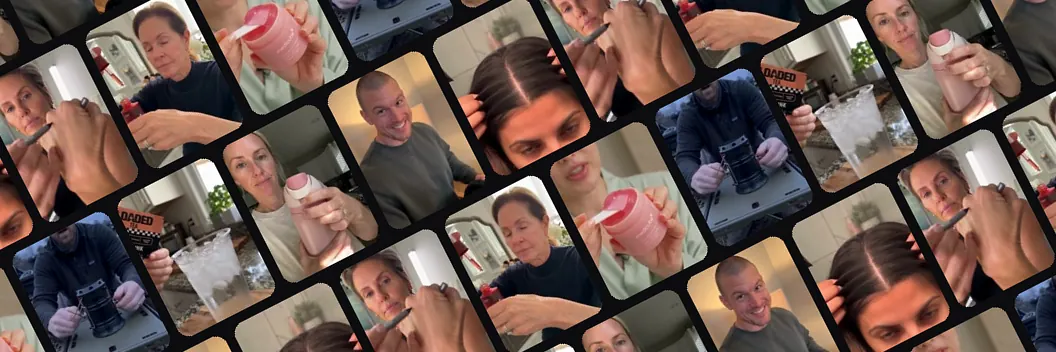
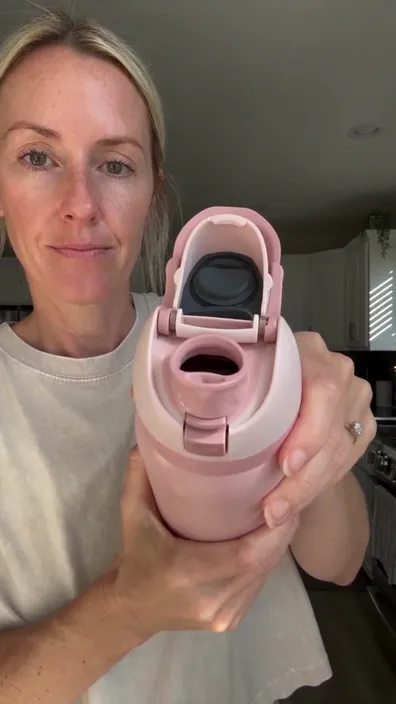
Two creators. One Owala bottle.
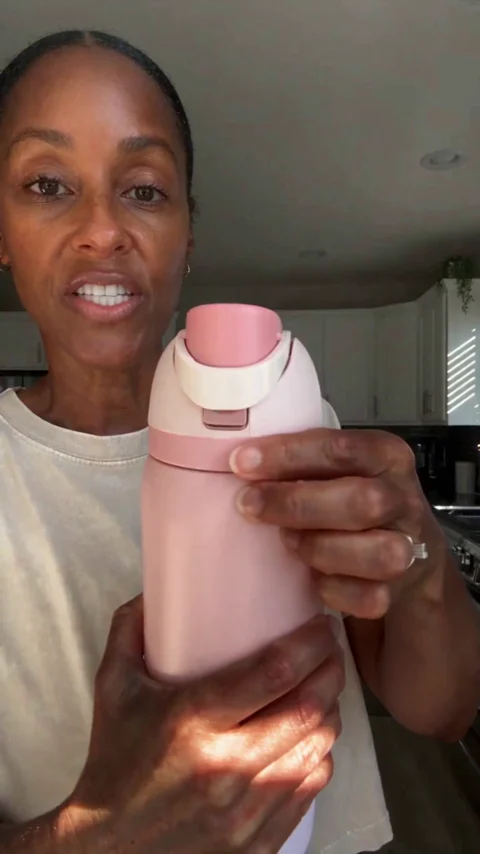
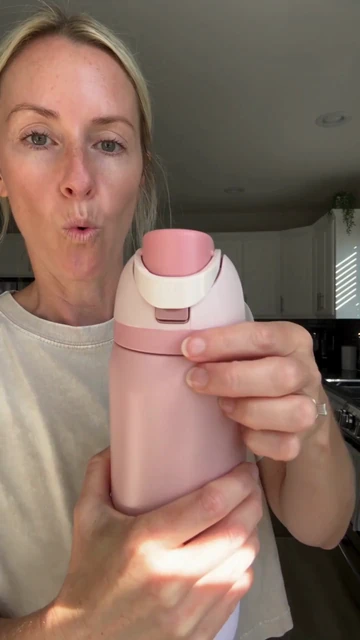
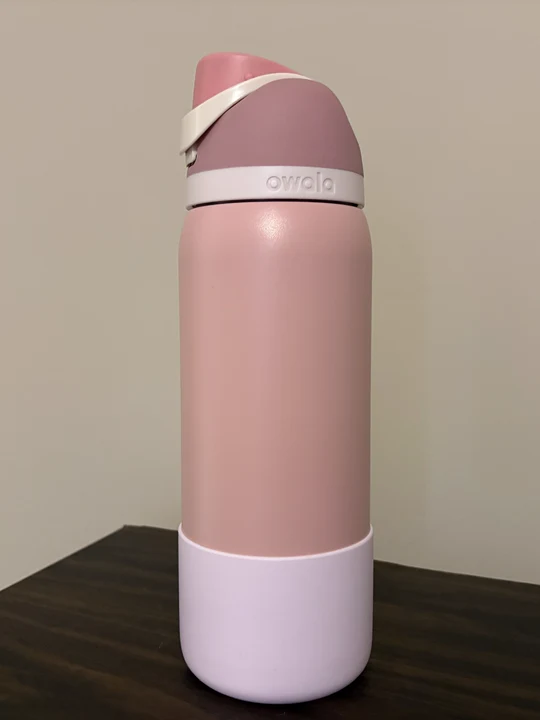
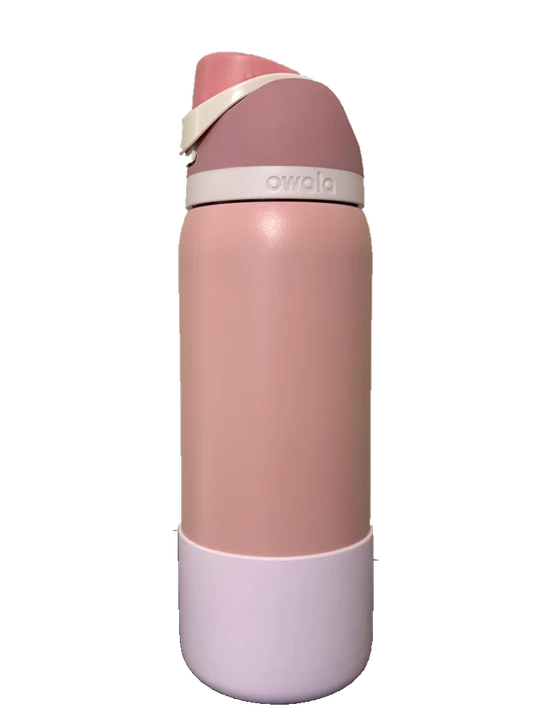
Same product photo. Four ways to tell the story.
The platform
One product can carry a whole campaign. Keep the product details, try a new hook, and export the versions you want to post.
Choose a product from your library, upload a photo, or paste a US TikTok Shop link.
Choose the look you want, then review the shots and words in your plan.
Preview the finished cuts and save your favorites as vertical MP4s.
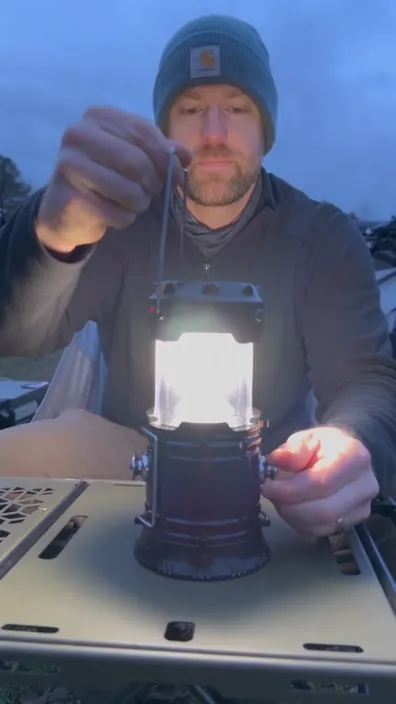
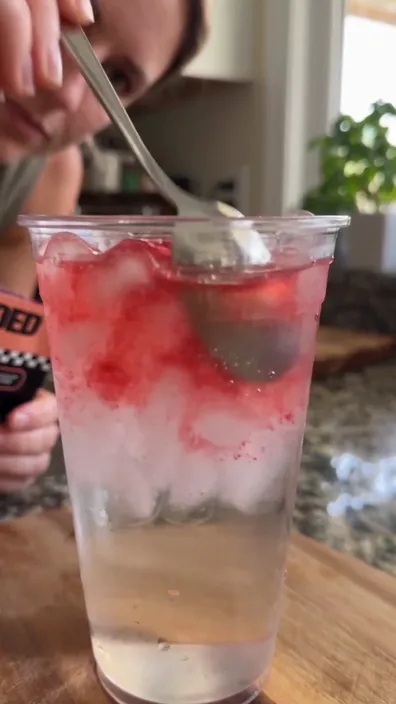
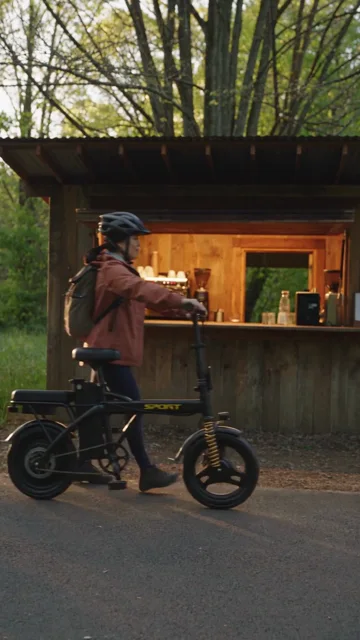
Download your vertical video once. Post it to TikTok, Instagram Reels or YouTube Shorts whenever you’re ready.
 Instagram
 YouTube
 Facebook

 Product demos
 Shorts
 Creator ads

 Close-ups
 Faceless POV
 Studio shots

Pricing
Compare the free photo-ad workflow with plans for new AI footage.
Make your first ad from product photos.
$0No card needed
For testing new hooks and scenes.
$29/ month
For making more ads each month.
$79/ month
Join the waitlist to hear when you can make a video from your own product photo.
FAQs
BrandBatcher turns your product photos and clips into vertical video ads. Pick a formula, adjust the shots and text, then export different cuts for the same product.
You can upload a photo, use a product from your library, or import photos and details from a public US TikTok Shop product link. Use images you have permission to promote.
The Owala slider shows two BrandBatcher-made examples. To make your own ad, start with a product and a formula. A TikTok Shop product listing works as an input. Reference video links and custom avatar or voice swaps aren’t supported yet.
Change the opening line, swap the clip order or edit the on-screen text before you approve your plan. Each cut can reuse the same footage. A different creator or setting needs a new clip.
When access opens, the free Fact cards formula will turn a product photo and one detail into a downloadable video ad. Joining the waitlist only requires your email.
Credits pay for new AI footage. When paid generation opens, you’ll see the exact cost before you confirm. Reusing a clip for a different cut costs no extra generation credits.
In the pricing preview, monthly plan credits expire at the end of each billing period. One-time refill credits never expire.
Making a Fact cards ad won’t start a subscription, so there’s nothing to cancel. Paid subscriptions aren’t available yet. You’ll see the cancellation terms before you can subscribe.
Each finished ad is a vertical 1080 × 1920 MP4 at 30 frames per second, with H.264 video and AAC audio. Download one MP4 or get your finished cuts together in a ZIP.
Credits are held while new footage is made. If a clip fails, its credits are released. Other successful clips in the batch stay available. If an export fails and the source is still available, it can be rebuilt without another generation charge.